B1 Buddy

Free on iPhone and iPad

The AI chat with a face.

B1 is a small green square who lives in your chat. Type, or talk out loud and B1 talks back. B1 thinks while you wait, speaks as the answer arrives and looks puzzled when something goes wrong.

Get the app, free Needs iOS 26. No account to make.
Works straight away Best with your own AI key

Voice chat: you talk, B1 talks back. (An illustration.)

You can see how it's going.

No spinner, no dots. B1's face tells you what the AI is doing, and reacts when you tap, stroke, tilt or shake.

Thinking

Looks up and away while your question is with the AI.

Talking

The mouth moves in time with the words as they arrive.

Pleased

A happy moment when the answer is done.

Puzzled

If something fails, B1 says what happened in one plain line.

Eight scenes for when you're not chatting.

Prop your phone up and B1 keeps you company, dressed for the real weather outside and for special days. Tap Talk to B1 in any of them to chat out loud. All eight scenes are free.
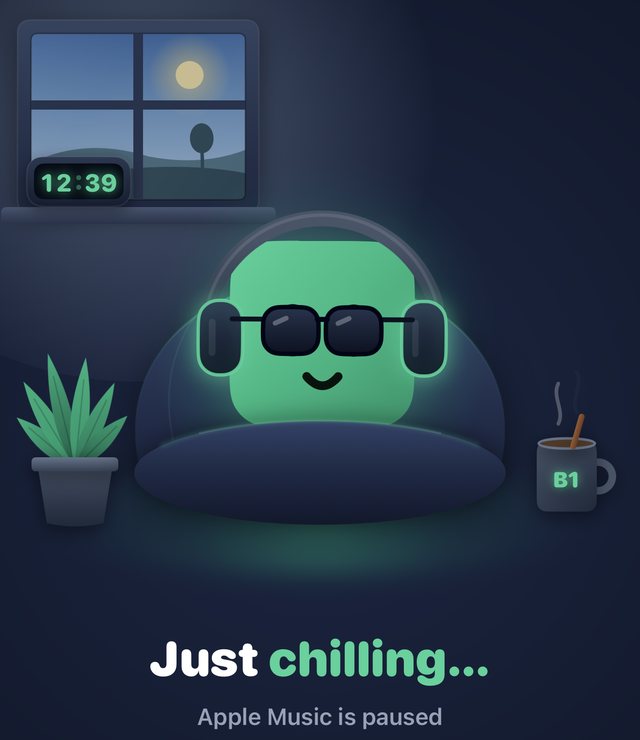
B1 in headphones and sunglasses on a beanbag by a window: Just chilling

Music

Listens along to what you're playing.
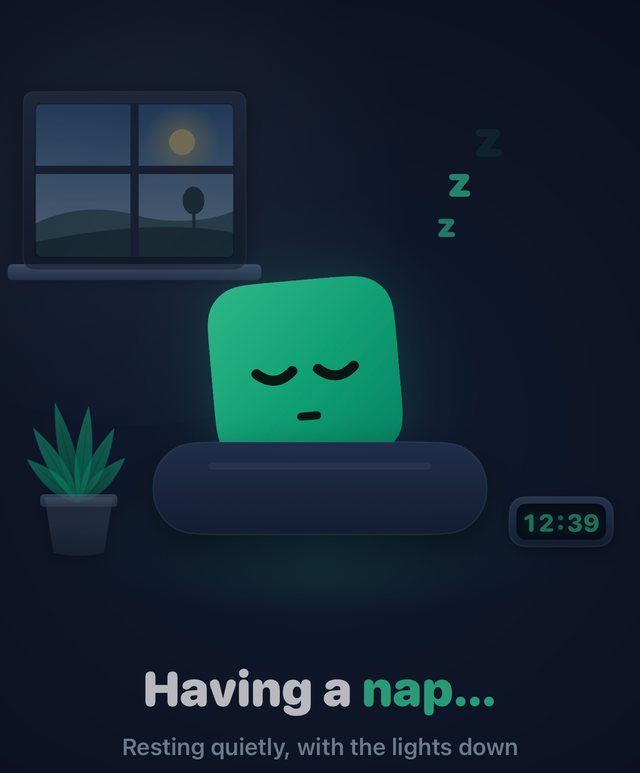
B1 asleep on a cushion with z's floating up: Having a nap

Sleep

Dozes off, and dreams.

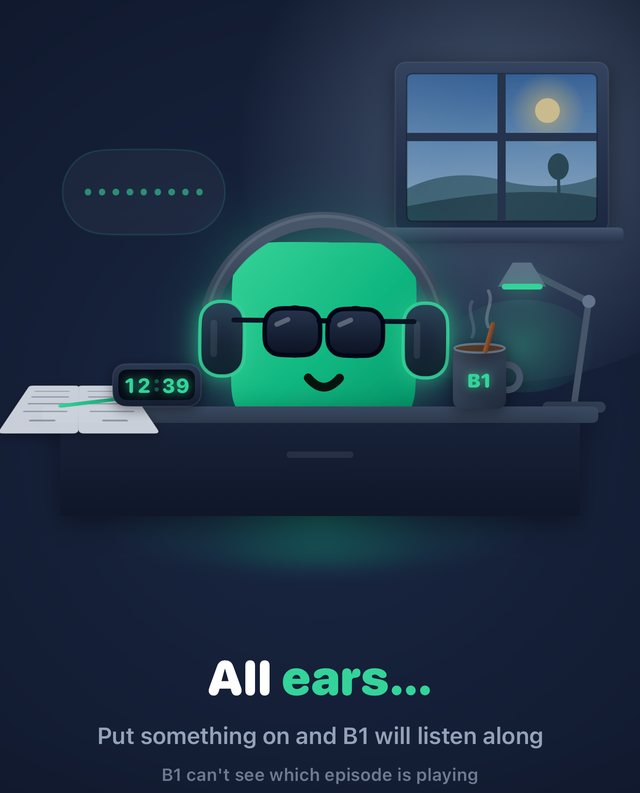
B1 in headphones at a desk with a mug and a lamp: All ears

Podcast

Settles in for an episode.

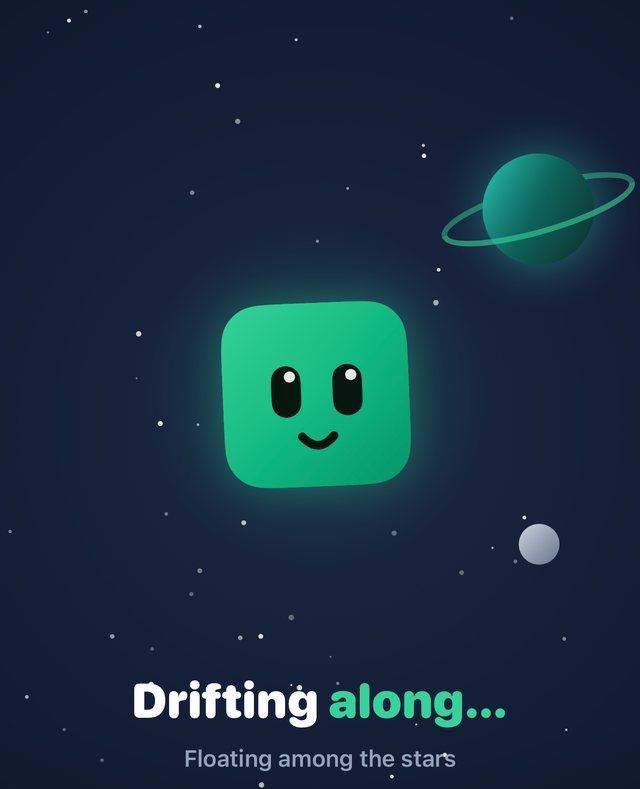
B1 floating among stars beside a ringed planet: Drifting along

Space

Drifts among the stars.

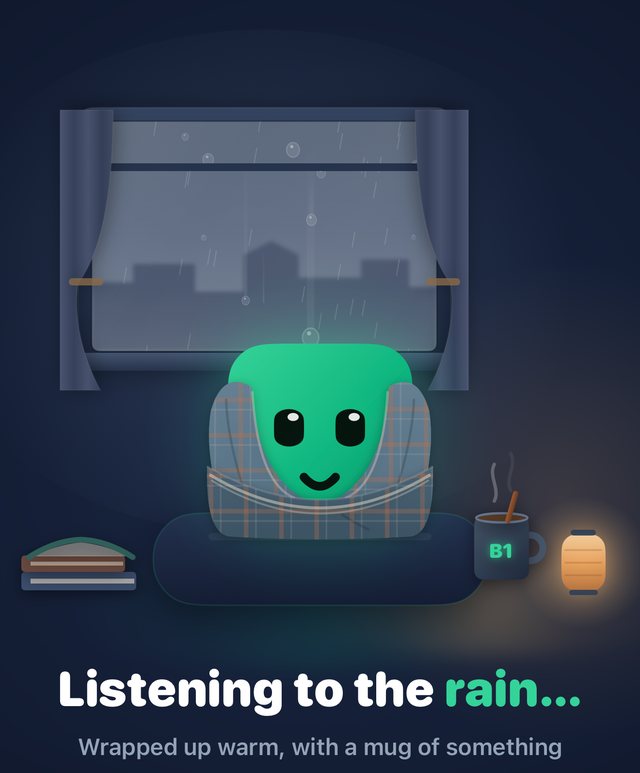
B1 wrapped in a blanket in front of a rainy window: Listening to the rain

Rainy

Under a blanket, watching the rain.
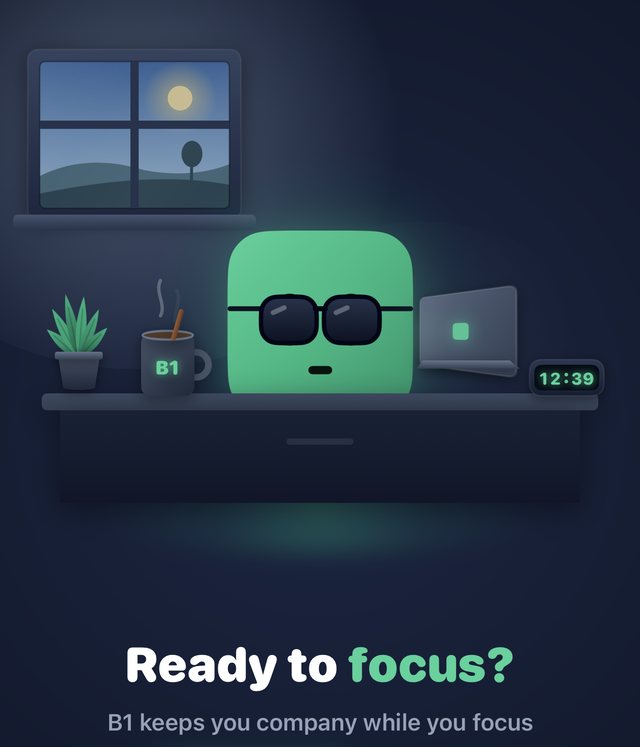
B1 at a desk with a laptop, a mug and a clock: Ready to focus?

Desk

A focus timer to work beside.

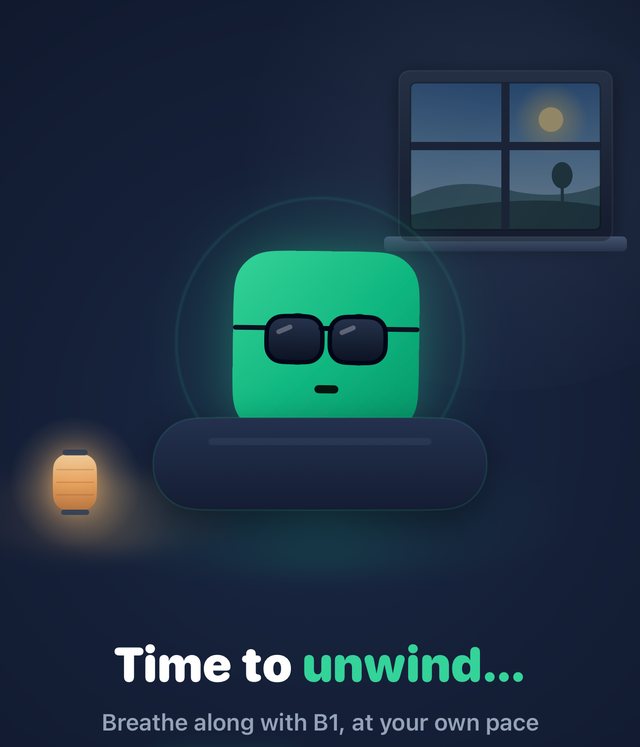
B1 on a cushion beside a lantern, with a breathing ring round it: Time to unwind

Wind-down

Slow breathing before bed.

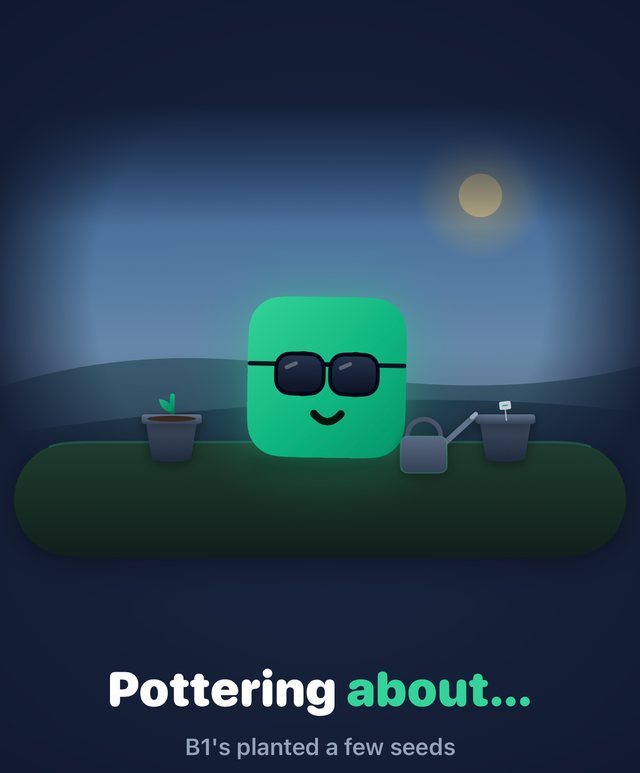
B1 in sunglasses between two flower pots and a watering can: Pottering about

Garden

Grows a little every day.

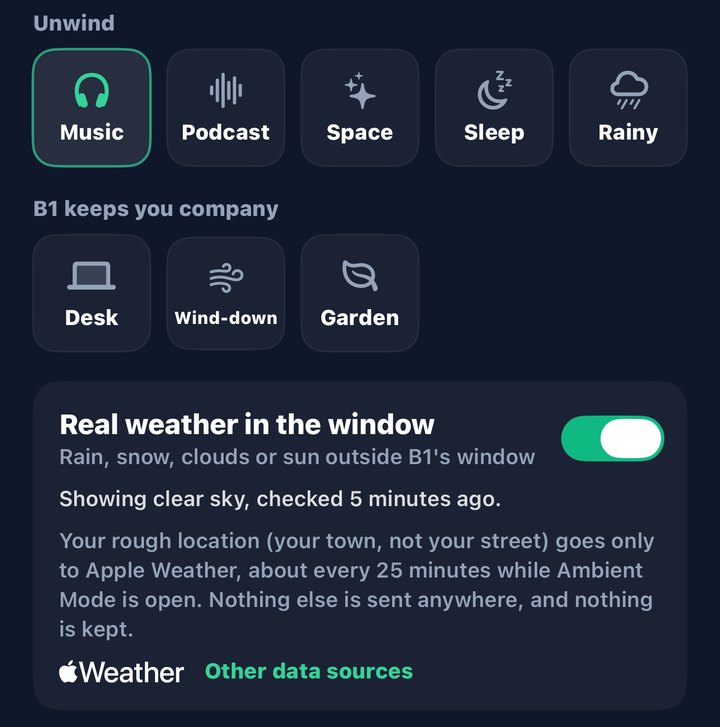
The scene picker in the app: Music, Podcast, Space, Sleep, Rainy, Desk, Wind-down and Garden, and a switch for real weather in the window.

The real sky in B1's window.

Switch on real weather and the window shows rain, snow, cloud or sun as it is where you are. Only your rough location goes to Apple Weather, and nothing is kept.

Also on your Home Screen, Lock Screen, StandBy and CarPlay, with Live Activities for focus and music.
One face. Any brain.

B1 works the moment you open the app. For the best answers, bring your own AI key: it takes a minute, and B1 can then use the most capable models there are.

The best way to use B1

Bring your own key.

A key (an "API key") lets B1 talk to a cloud AI on your behalf: OpenAI, Claude from Anthropic, Google Gemini, or any service that speaks the OpenAI format. Answers are sharper, longer and better informed than a phone can manage alone.

You pay that service directly for what you use, and nothing goes to us. Your key stays in the iPhone's Keychain and is sent only to the service it belongs to.

  1. 1Make a key
    On the service's own website. Each one explains how.
  2. 2Paste it into B1
    Under Add a brain. B1 checks that it works.
  3. 3Pick a model and chat
    Switch brains whenever you like, even in the middle of a chat.

Free, and ready from the start

On your iPhone

Apple Intelligence runs on the phone itself. No key, nothing to set up, and your words stay on your device. It is a small model: good for quick questions, with a short memory.

Your own kit

On your computer at home

Ollama or LM Studio over your home network, or your own VPN when you're out. No key needed, and nothing leaves your own machines.

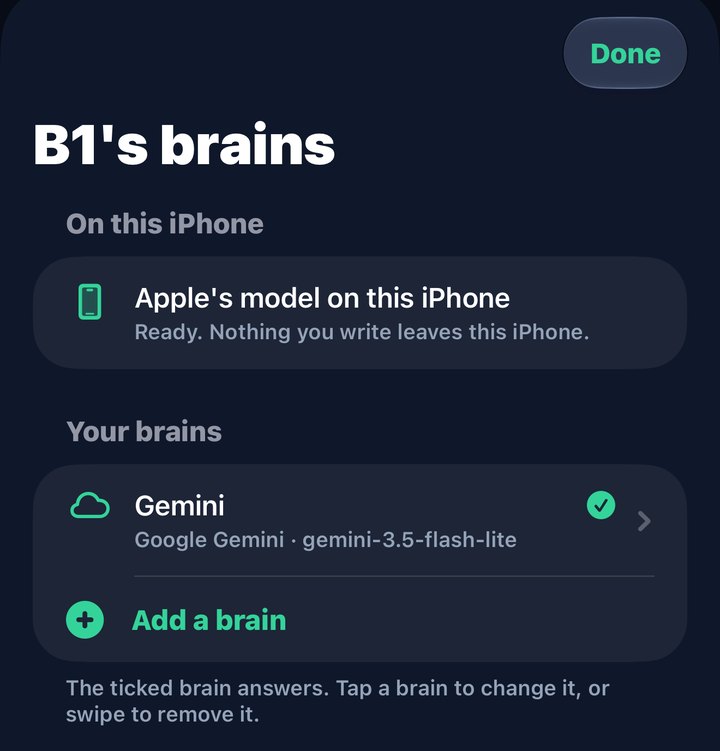
The B1's brains screen: Apple's model on this iPhone is ready, with Gemini added below it.
Apple's model is ready from the start. Add others when you want them.
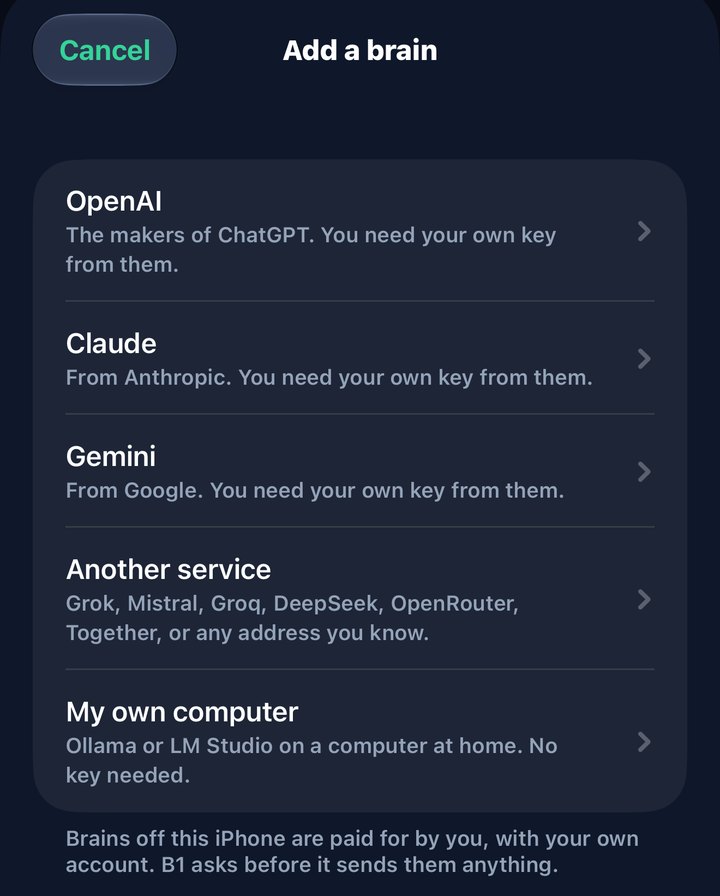
The Add a brain screen listing OpenAI, Claude, Gemini, another service, and my own computer.
Paste a key from the service, or point B1 at your own computer.
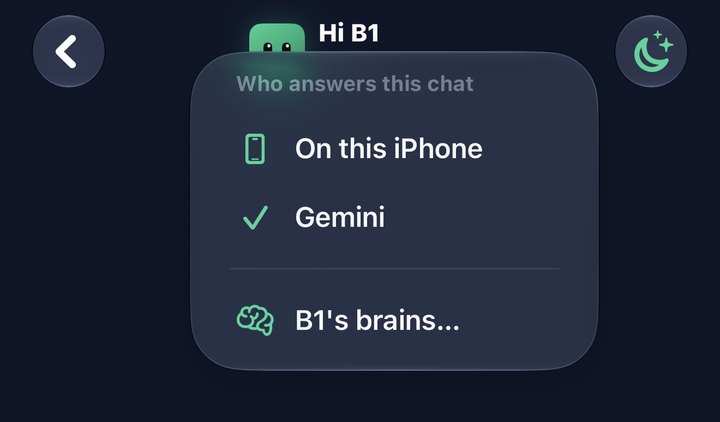
The top of a chat with a menu open titled Who answers this chat, offering On this iPhone or Gemini.
Change who answers in the middle of a chat.

Prefer to talk? Tap Talk to B1 and have the whole conversation out loud. Your speech is recognised on your iPhone, and B1 answers in a voice.

B1 is free. More looks if you fancy.

Chat, voice, the eight scenes and every widget cost nothing. Other avatars are bought once and kept for good, and each works everywhere B1 does.

B1

Free

Platypus

£2.99

Soldier

£2.99

Hippo

£2.99

Fox

£2.99

Cat

£2.99

Penguin

£2.99

Astronaut

£2.99

Robot

£2.99

Or all eight launch avatars together as the Starter Pack for £14.99. Festive snow, a seasonal extra, is £0.99. Family Sharing is on for everything. No subscription, and nothing you need is locked.

More on the way.

New things arrive with app updates, a pack at a time. None of what follows is on sale yet, and none of it is needed: it is all for fun.

More avatars

Garden, Snack, Spooky, Winter, Pets and more. Packs of four for £9.99, or £2.99 each.

Clothes

Hats, glasses, scarves and things to hold, and they fit every avatar. Four pieces for £2.99. What B1 wears for the real weather stays free.

New scenes

Beach (a drawing of the plan)
Campfire (a drawing of the plan)

Beach and Campfire come first, at £2.99 each. The eight scenes the app starts with stay free for good.

No account. No tracking. No server of ours.

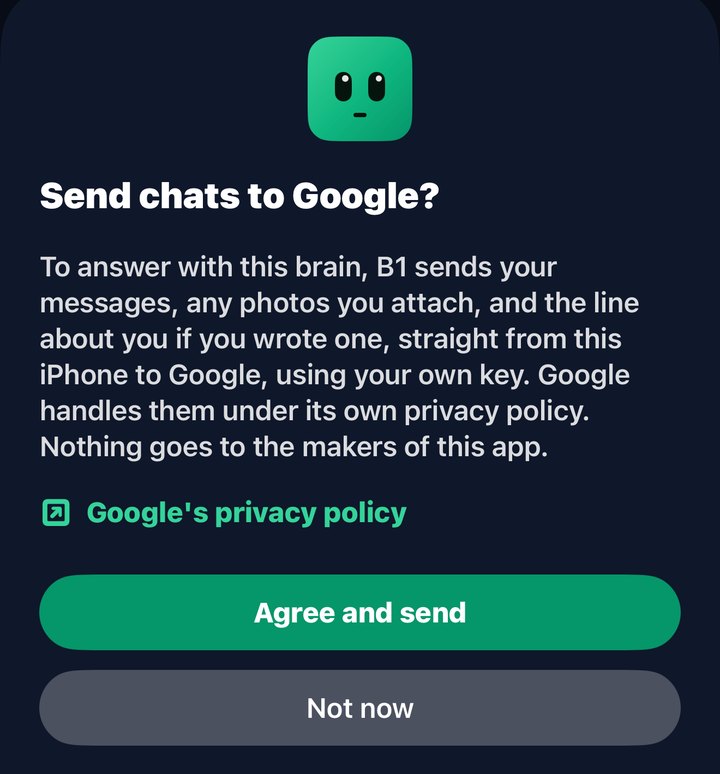
Your chats are stored on your iPhone. Before anything is sent to a cloud AI, B1 tells you who it goes to and what is sent. And B1 is an AI, and says so.

Get B1 Buddy on the App Store
The app asking Send chats to Google? It says what is sent, links to Google's privacy policy, and offers Agree and send or Not now.